

Own your notes.
Snowfox Notes is a note-taking app as easy as a word processor – running on your own web space. Free and open source.
Runs on any web space with PHP 8.4. No SSH needed.


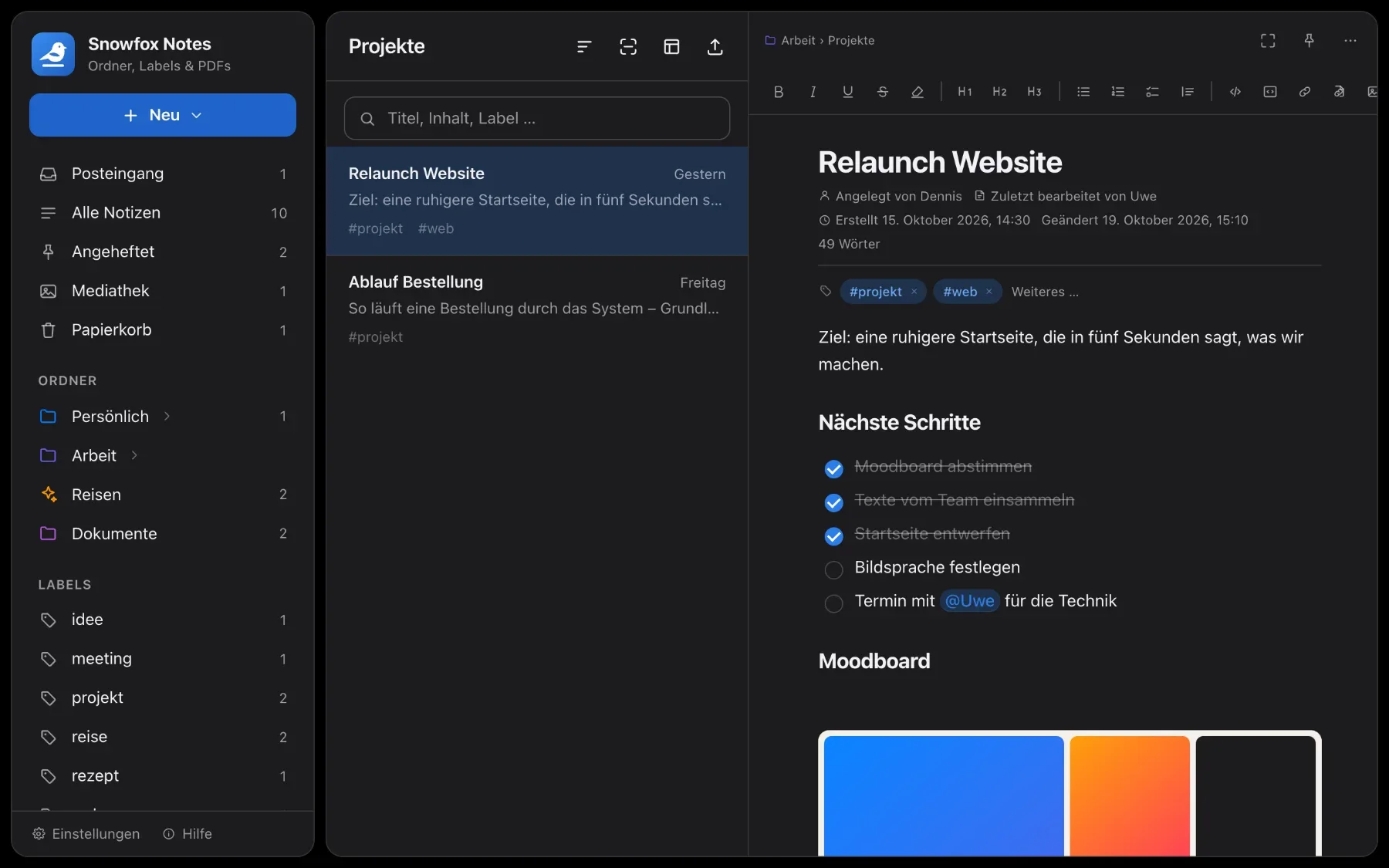

Your data stays with you.
Everything lives on your server: one database file and a folder with your attachments. No third-party provider, no ads, nobody reading along. Your notes are plain Markdown – readable in any other app, even twenty years from now. And a complete backup is a single ZIP file, one click away.
So simple, anyone can start right away.
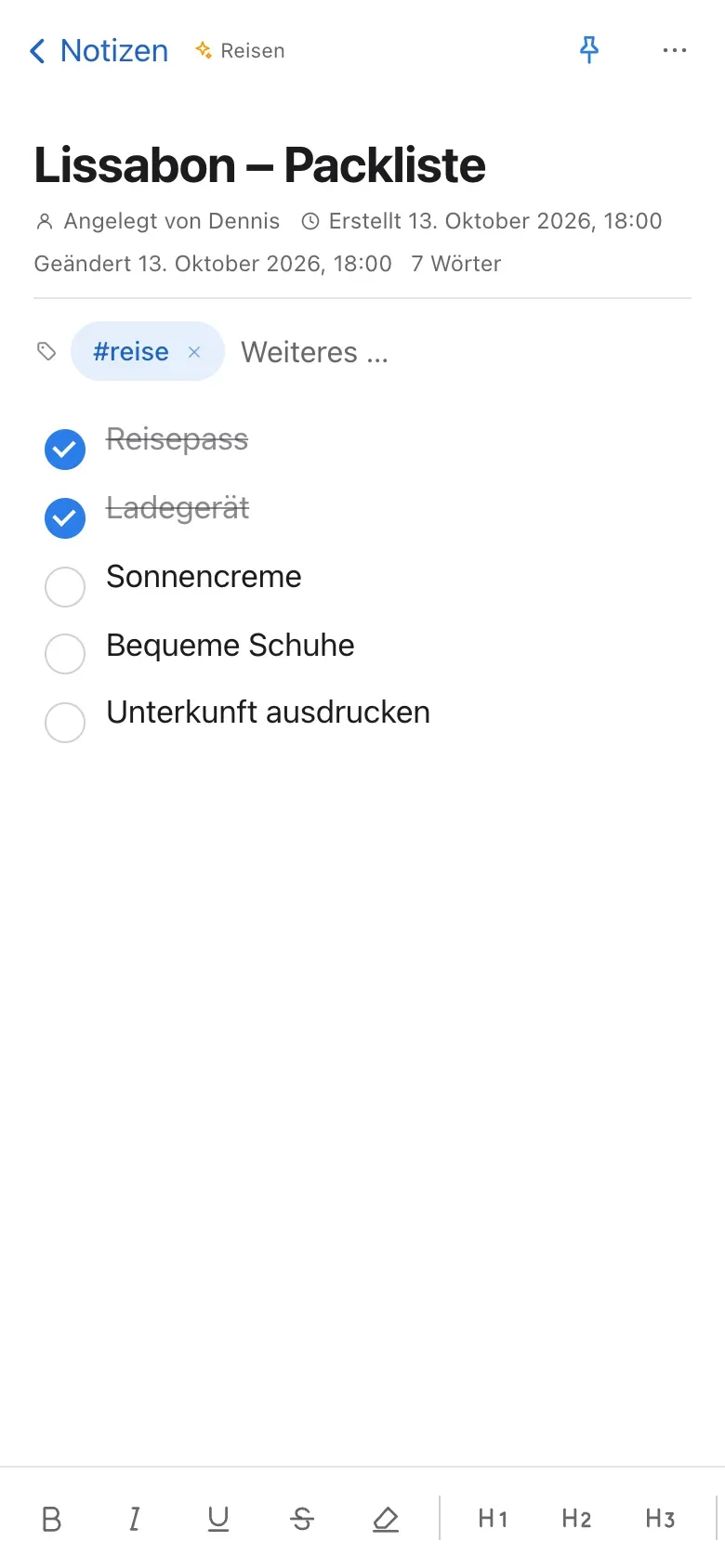
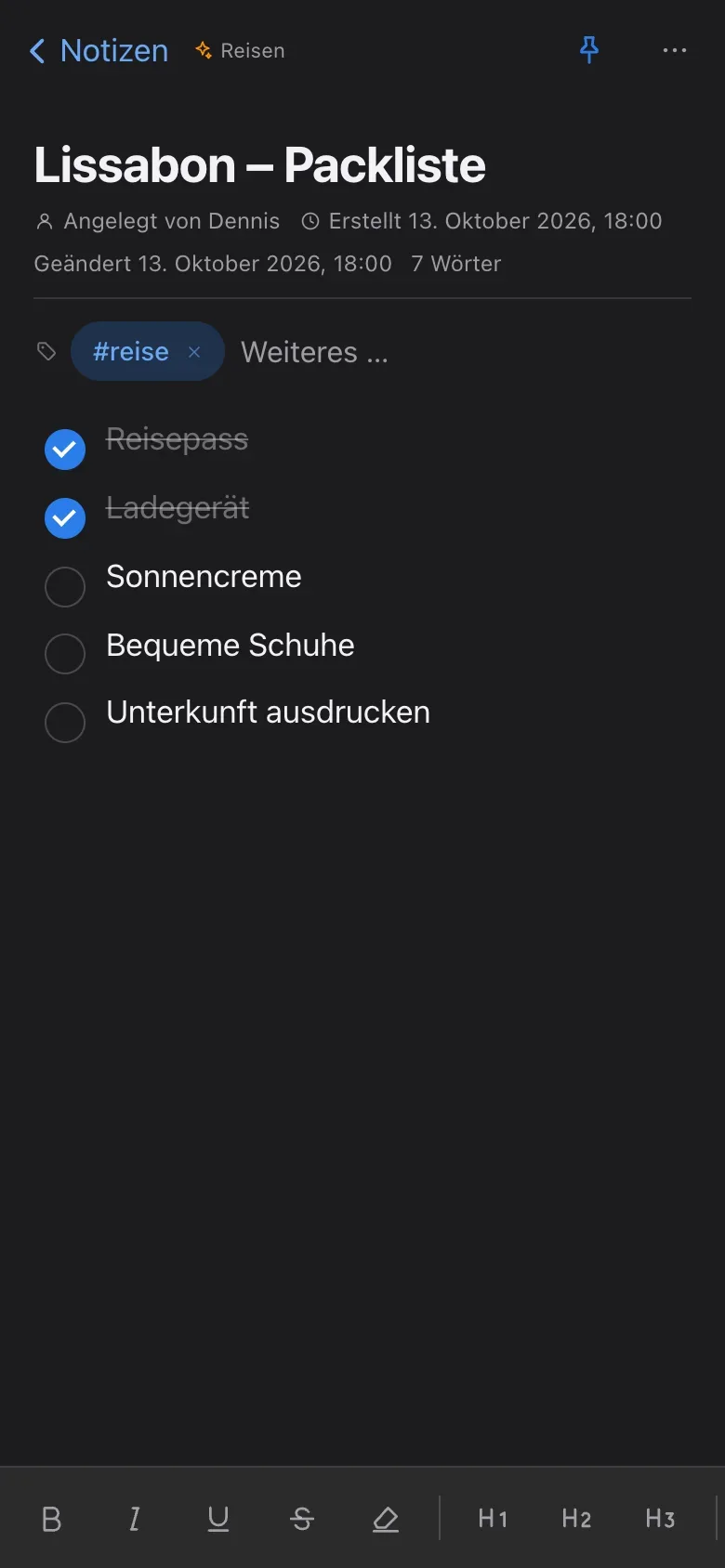
You write like in a word processor: what you format is what you see. No save button, no syntax to learn, no onboarding. Three columns – folders, list, note – and on your phone, just swipe.
Features
Six things that make Snowfox Notes what it is. You’ll find every feature in detail on the Features page.
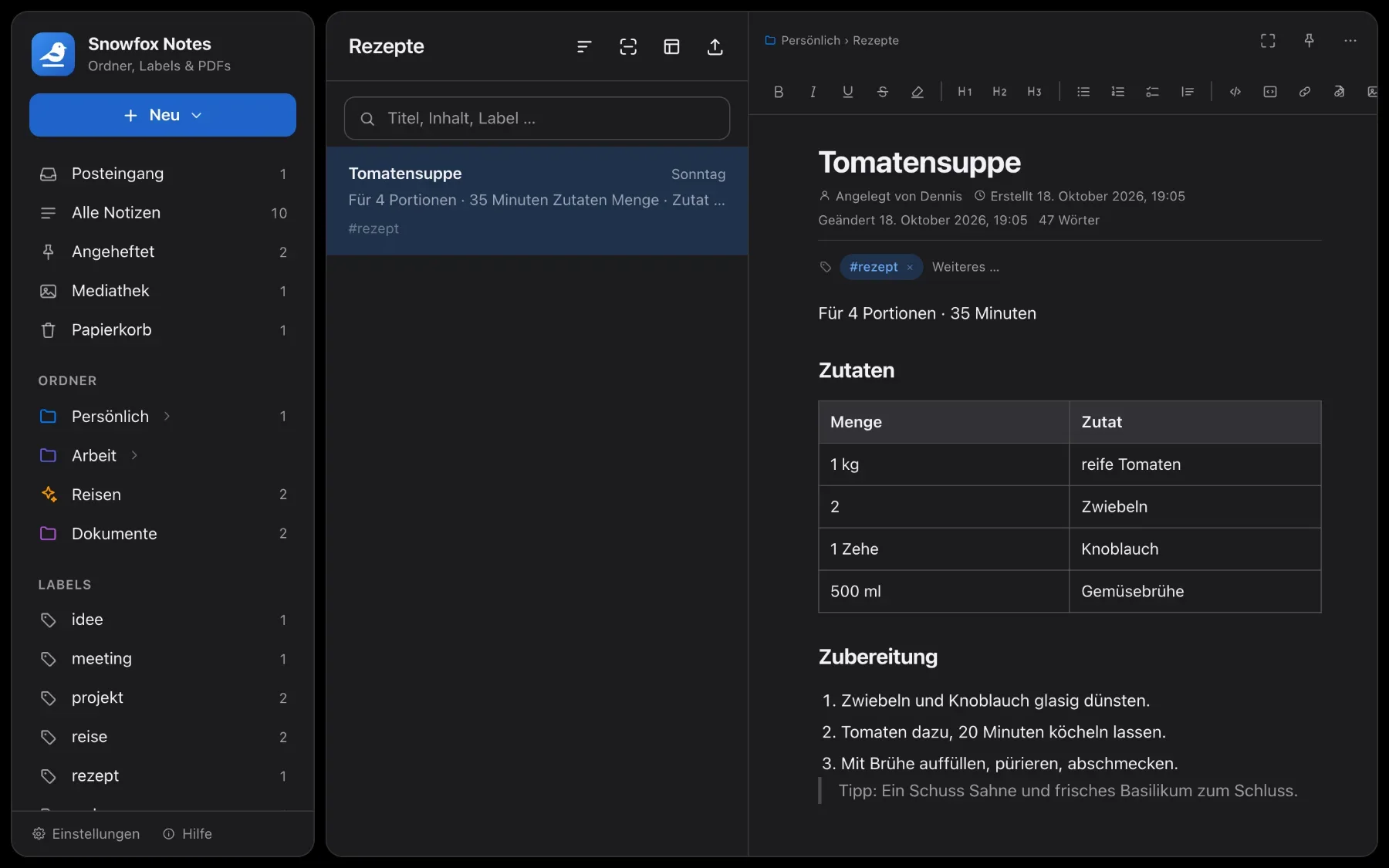
An editor that stays out of the way
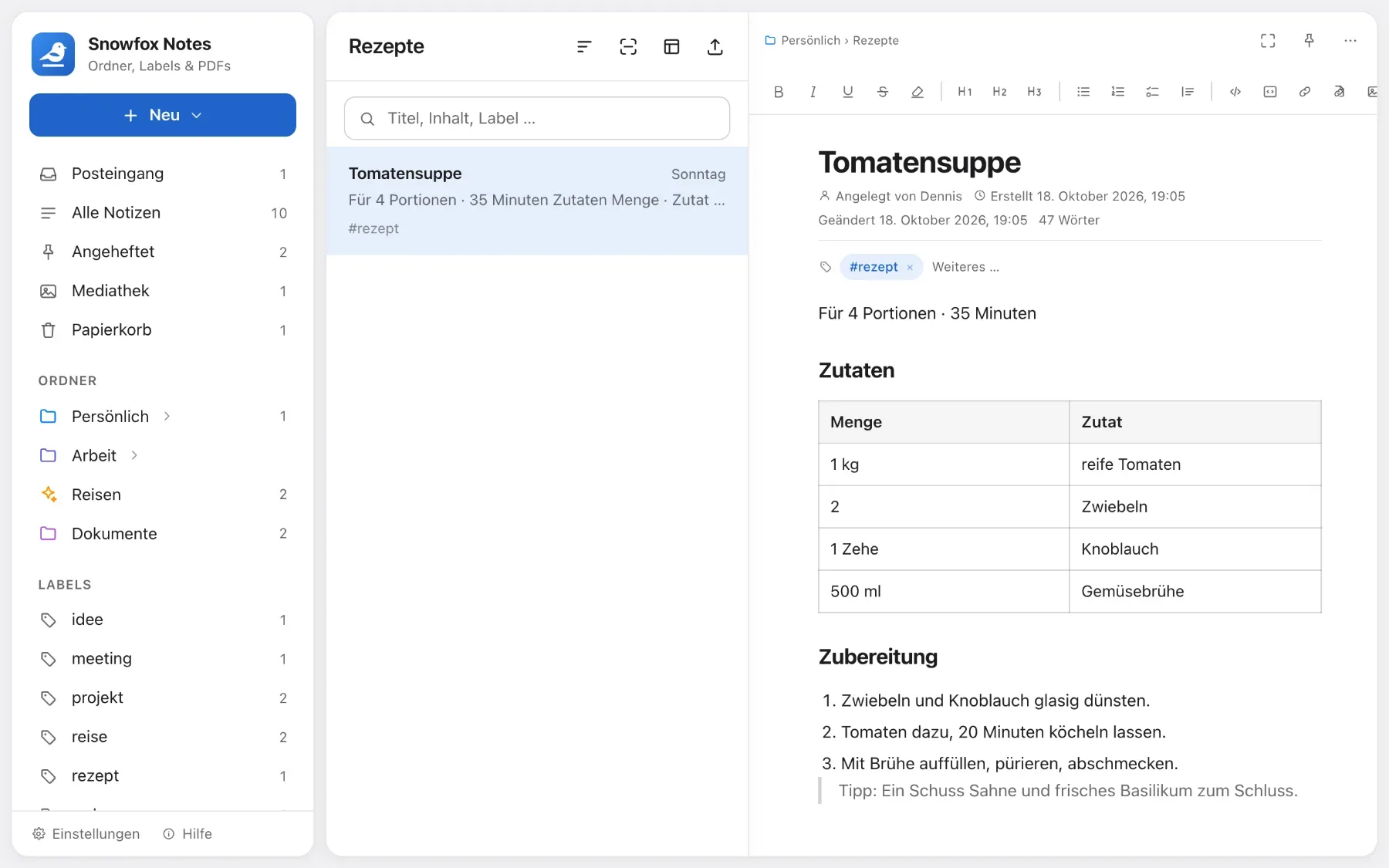
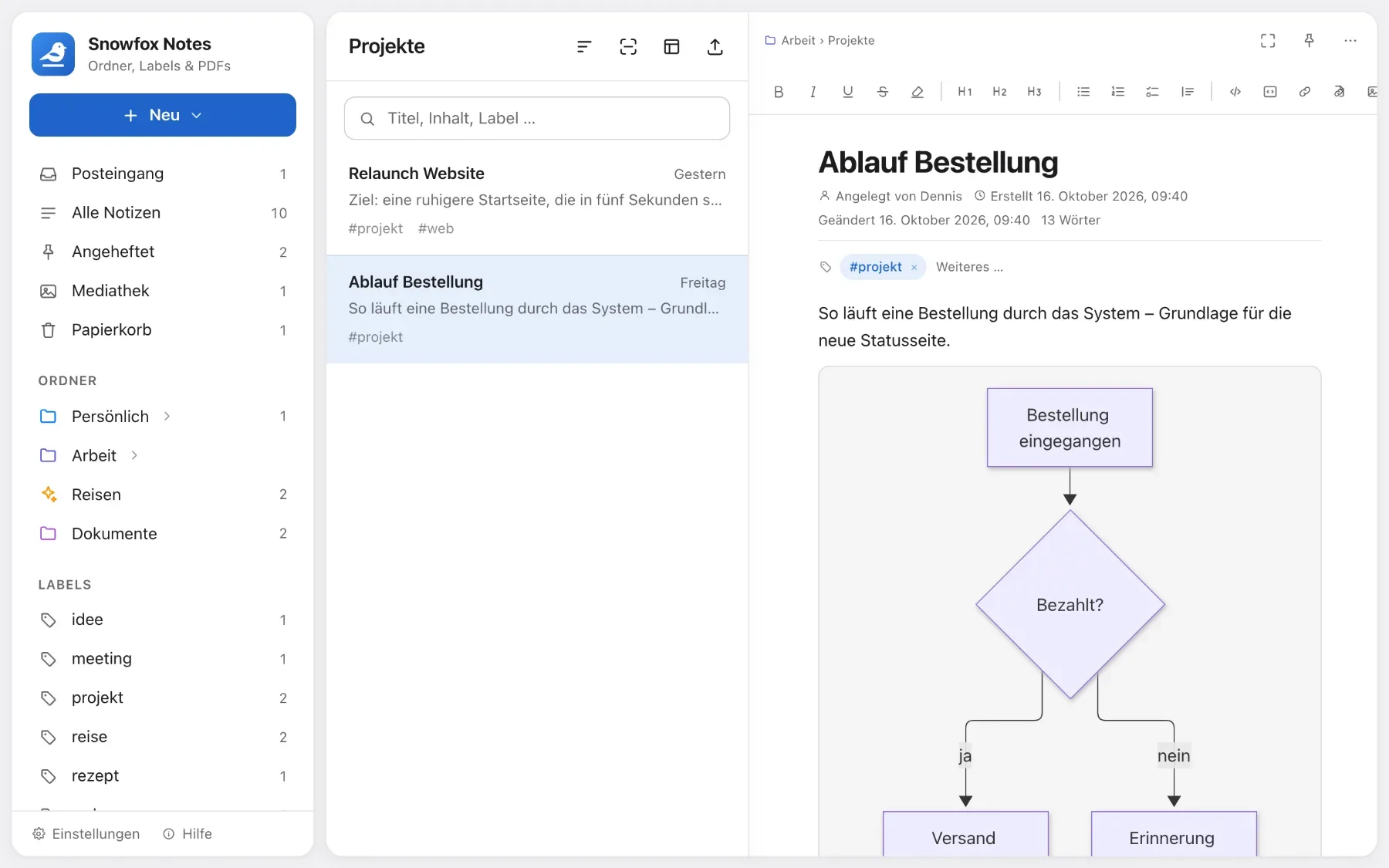
Headings, checklists, tables, images, attachments and diagrams. Type “/” and pick what you need.
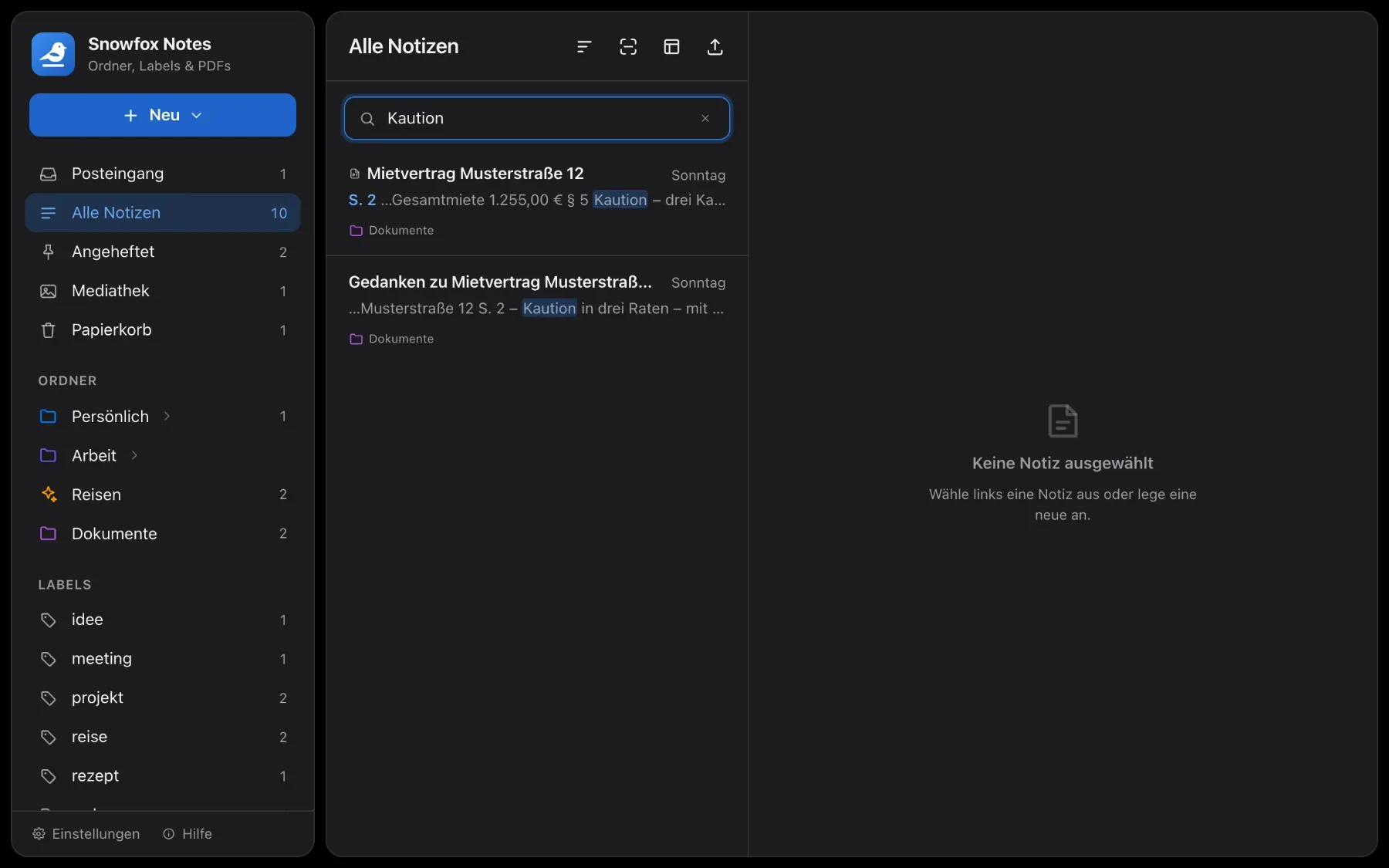
Search that finds
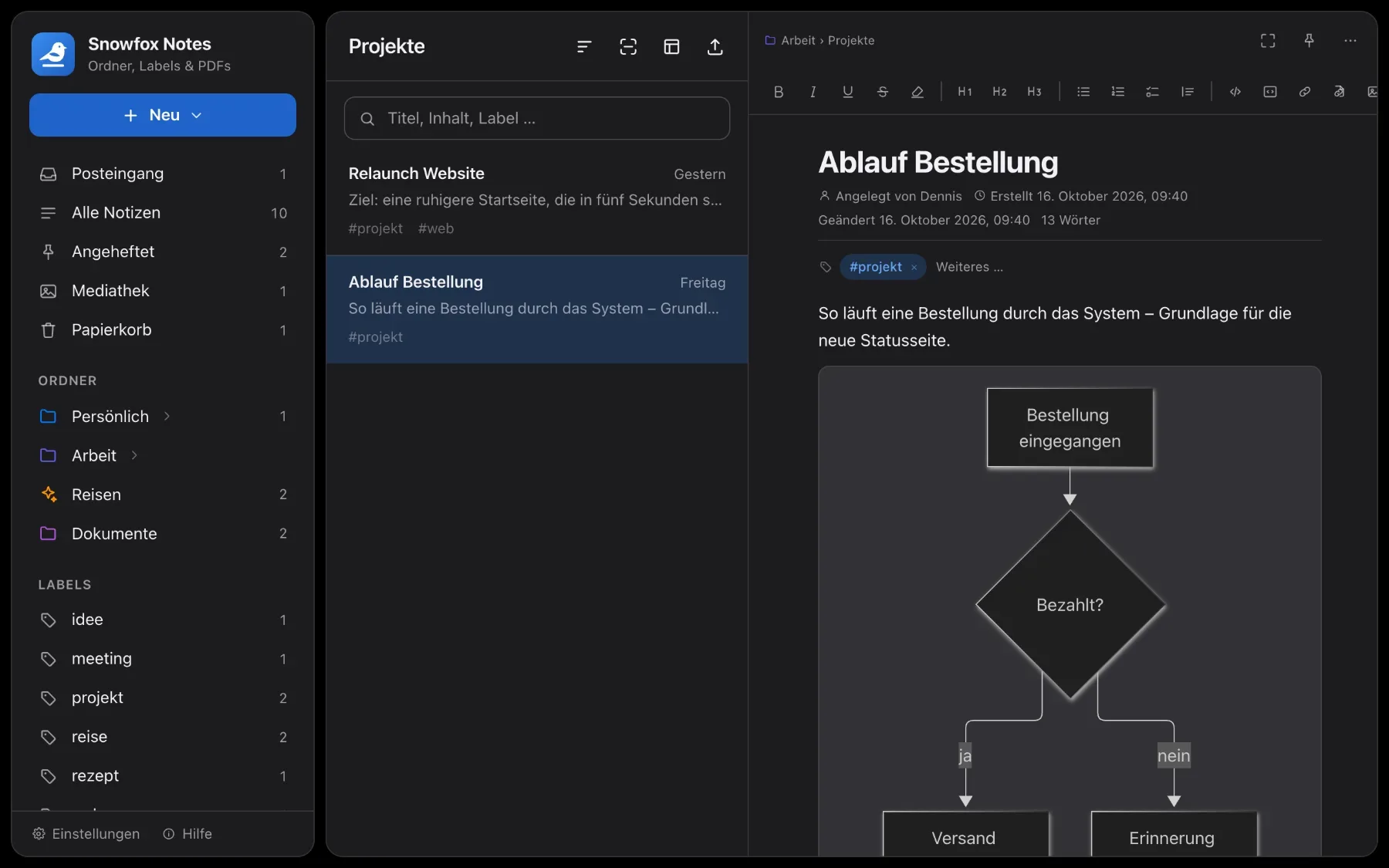
Searches titles, text, labels and PDFs as you type. Accents and case don’t matter: “mohre” finds “Möhre”.
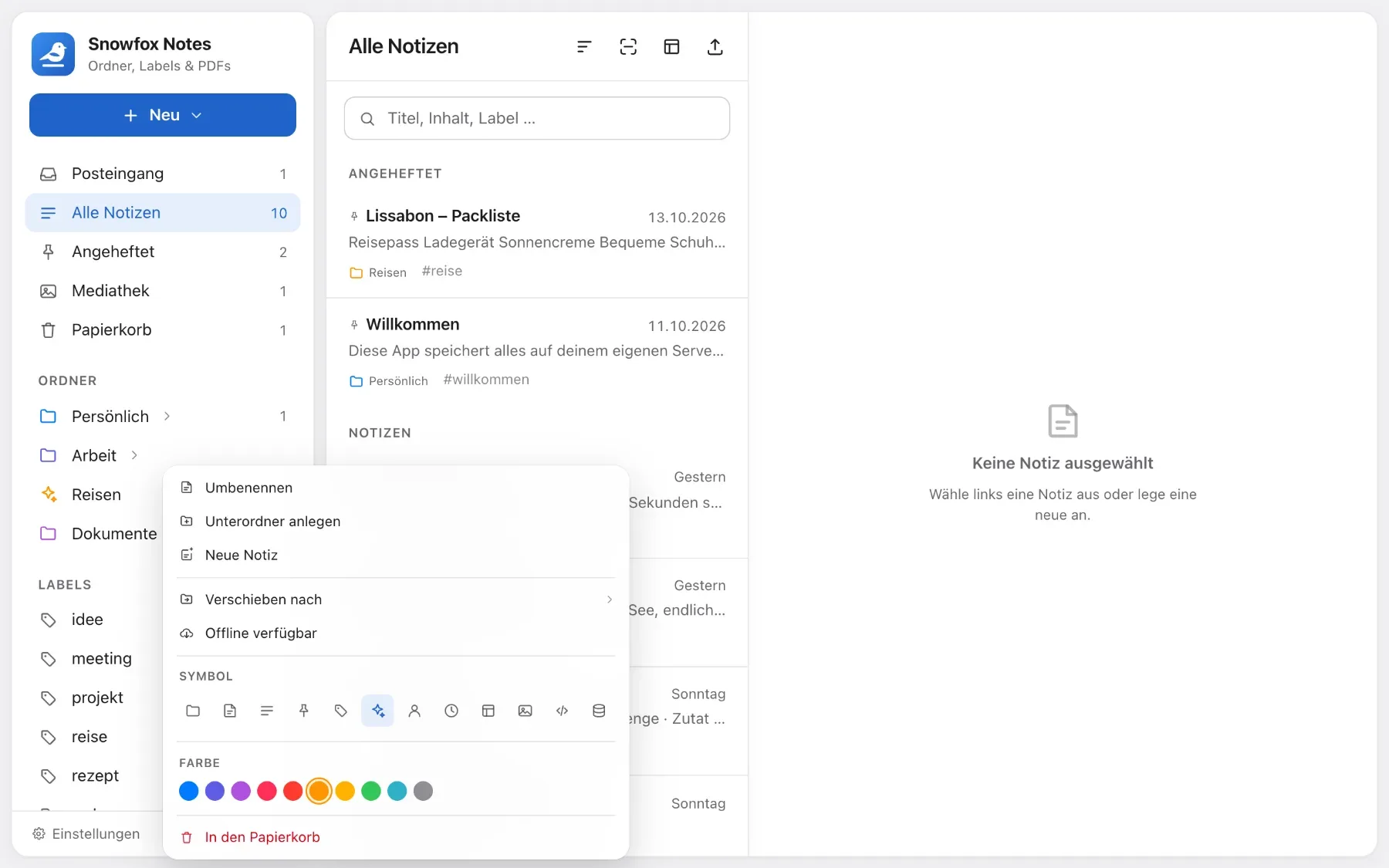
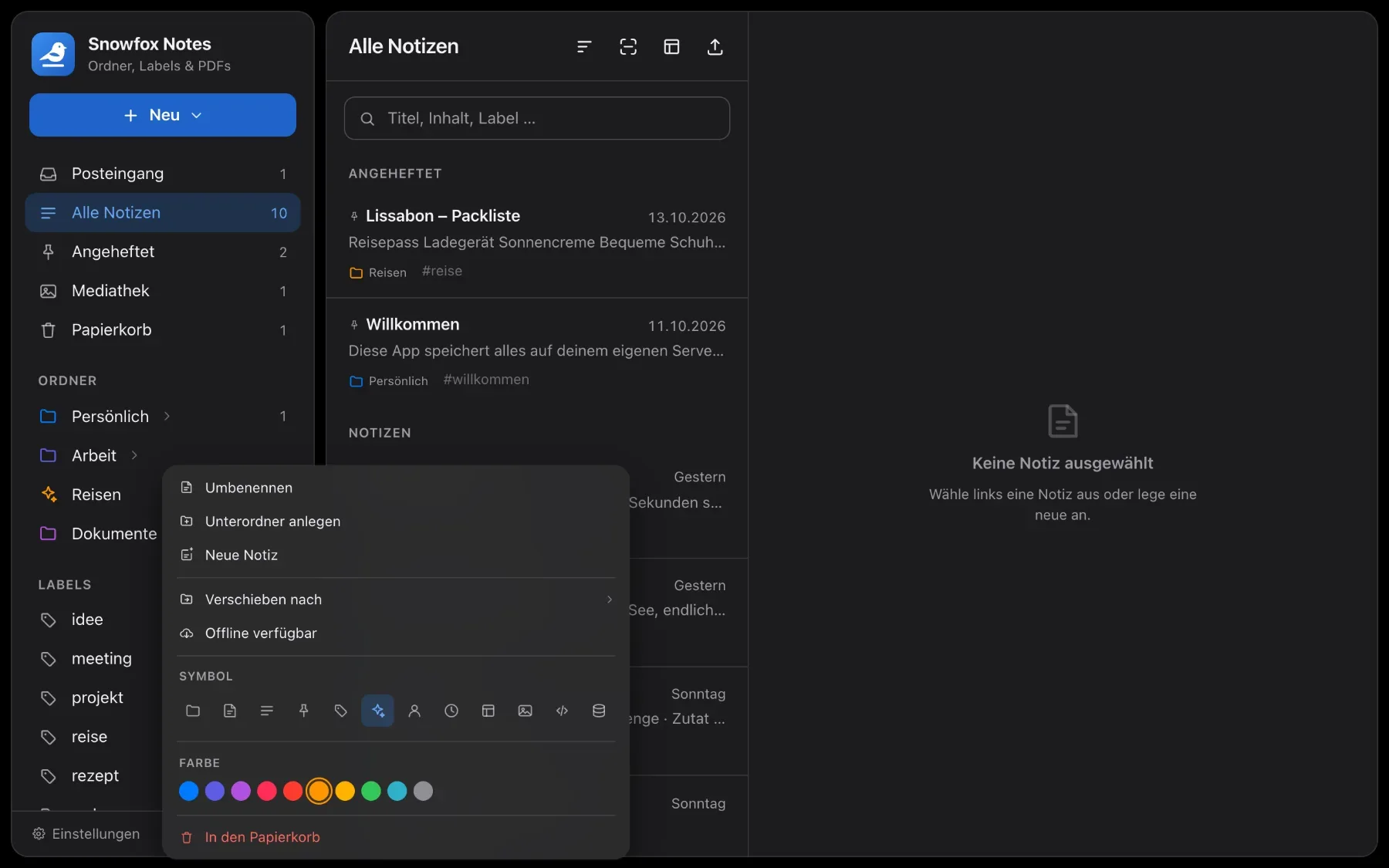
Folders & labels
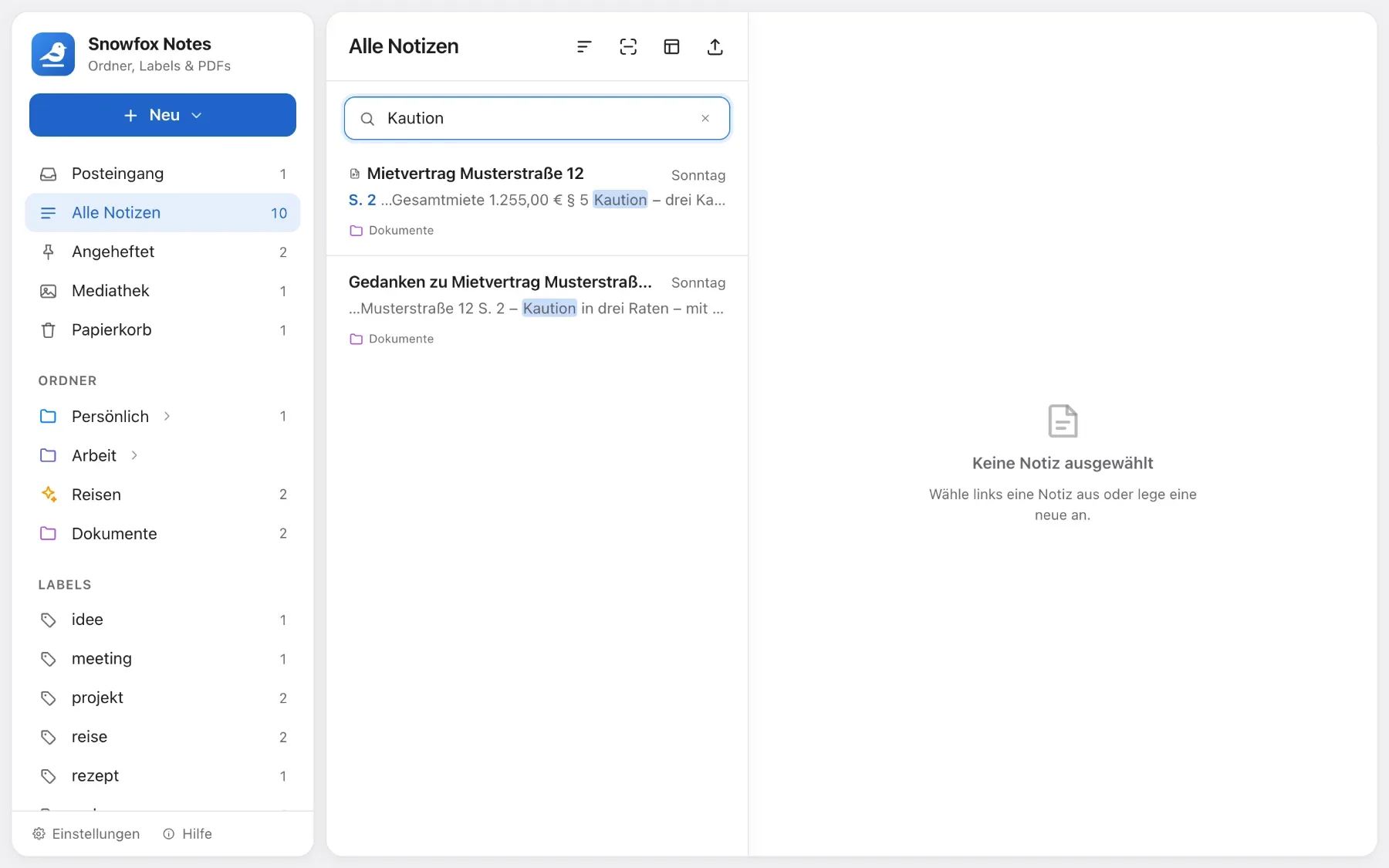
Folders nested as deep as you like, with colours and icons. Labels across them. All drag and drop.
Offline when you need it
Keep single notes, whole folders or everything on your device. What you write offline syncs back on its own.
PDFs you can write on
Read PDFs, write and highlight on them, pin comments – Apple Pencil included. The original stays untouched.
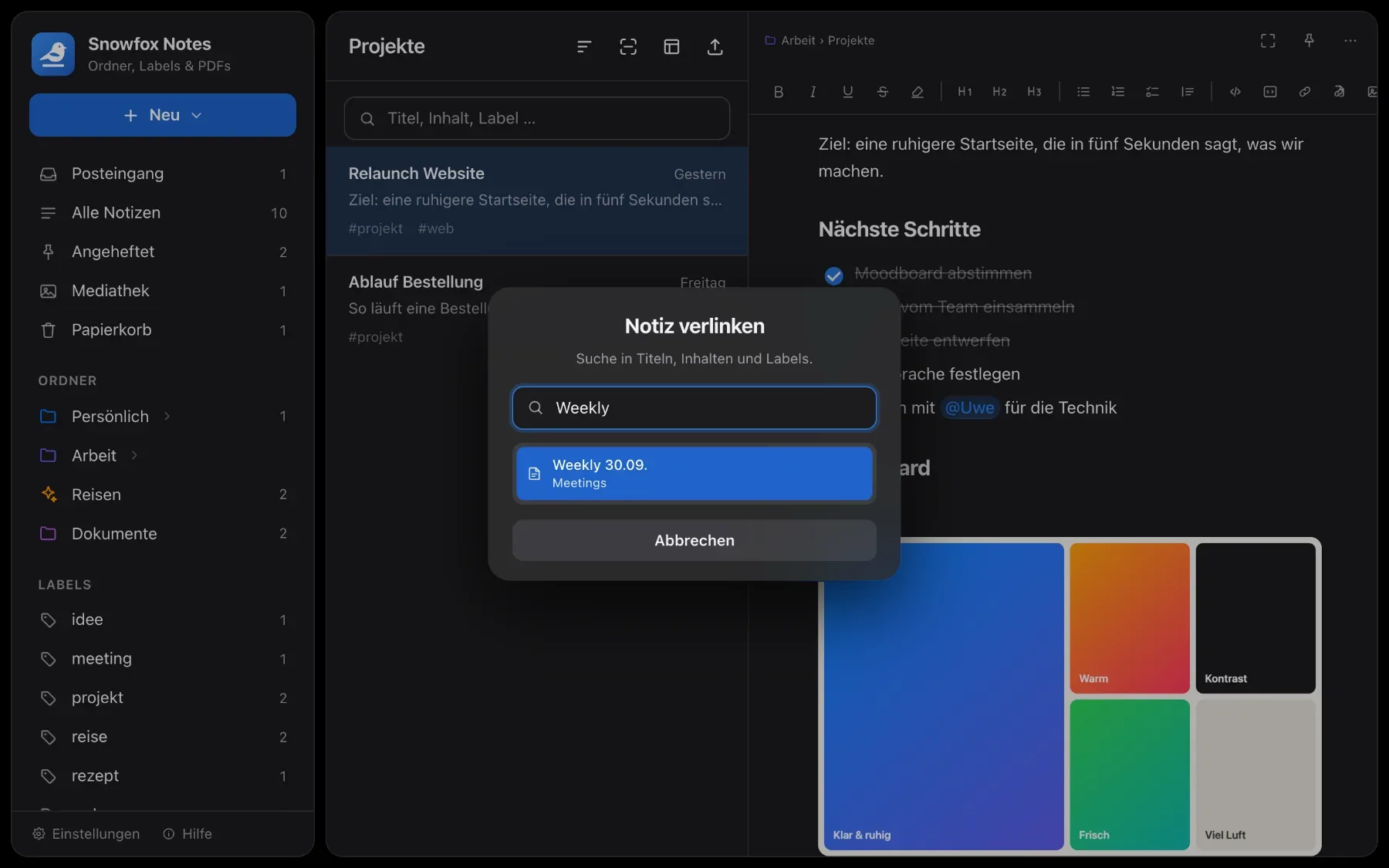
Linked notes
Link to other notes with a shortcut. Rename a note and the links follow. Every note shows what links back to it.




Frequently asked questions
What does Snowfox Notes cost?
Nothing. The app is free and open source. From 1 December 2026, you can optionally let us host it for €99 a year.
Do I need my own server?
No. Ordinary web hosting with PHP 8.4 is enough. You upload via FTP; SSH isn’t required.
Can I work without internet?
Yes. Make single notes, folders or everything available offline. Changes sync once you’re back online – and aren’t lost even when there’s a conflict.
Is there AI?
Not built in. Connect Claude, ChatGPT or a similar client via MCP. MCP stays off until an admin switches it on. Without that connection, no AI sees your notes.
What can’t Snowfox Notes do?
Better you read it here than find out later. There’s no end-to-end encryption: notes are stored as plain text on the server, and whoever runs the server can read them. There’s no live co-editing: if two people write in the same note at the same moment, the last save wins and the overwritten text goes into the version history. And there are no native apps: Snowfox is a web app you can install on your device.